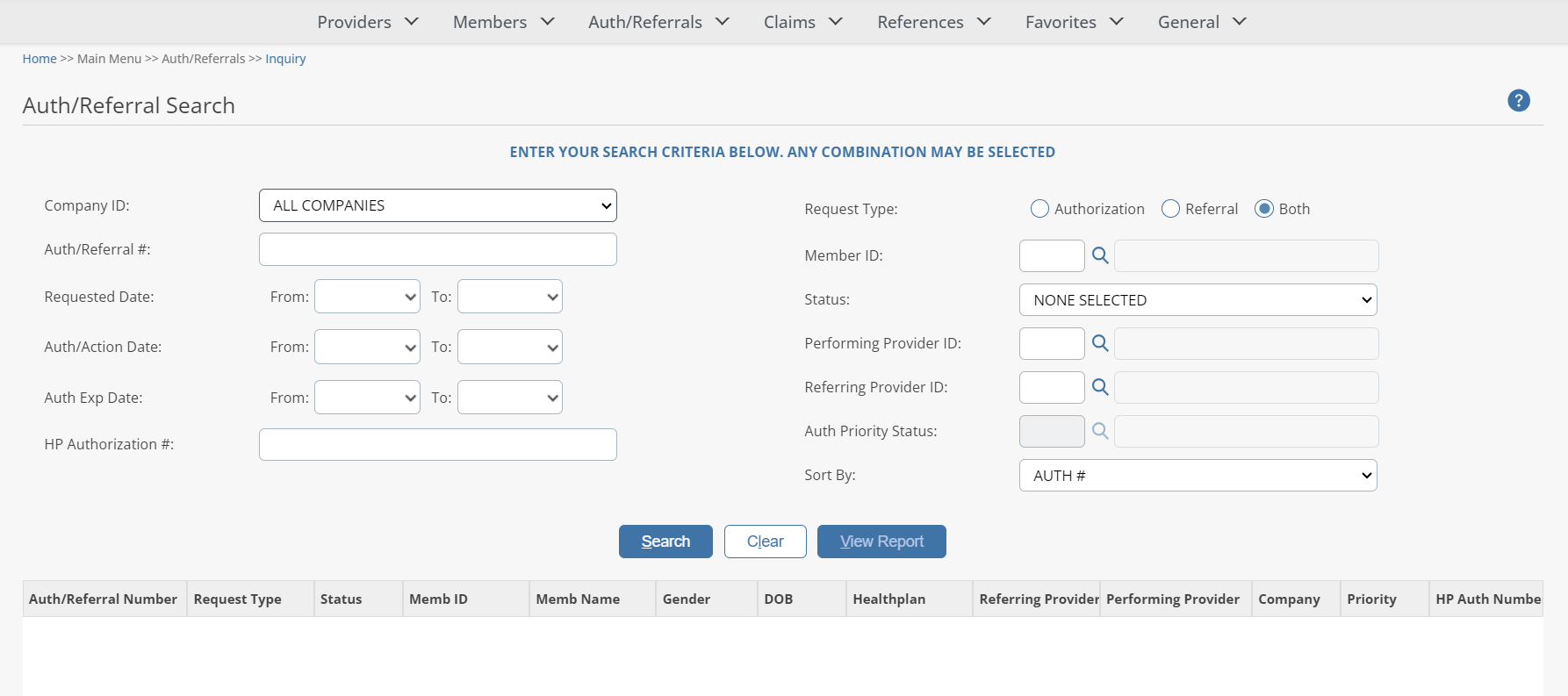
A PROVIDER ADMINISTRATION PORTAL user can inquire about an authorization status and view an authorization history. Whether originally submitted via PROVIDER ADMINISTRATION PORTAL , phone, or facsimile, PROVIDER ADMINISTRATION PORTAL enables a user to view all authorizations submitted.
To begin an inquiry, select the Inquiry option under the Authorization section of the Main Menu to display the “Auth/Referral Search” screen.
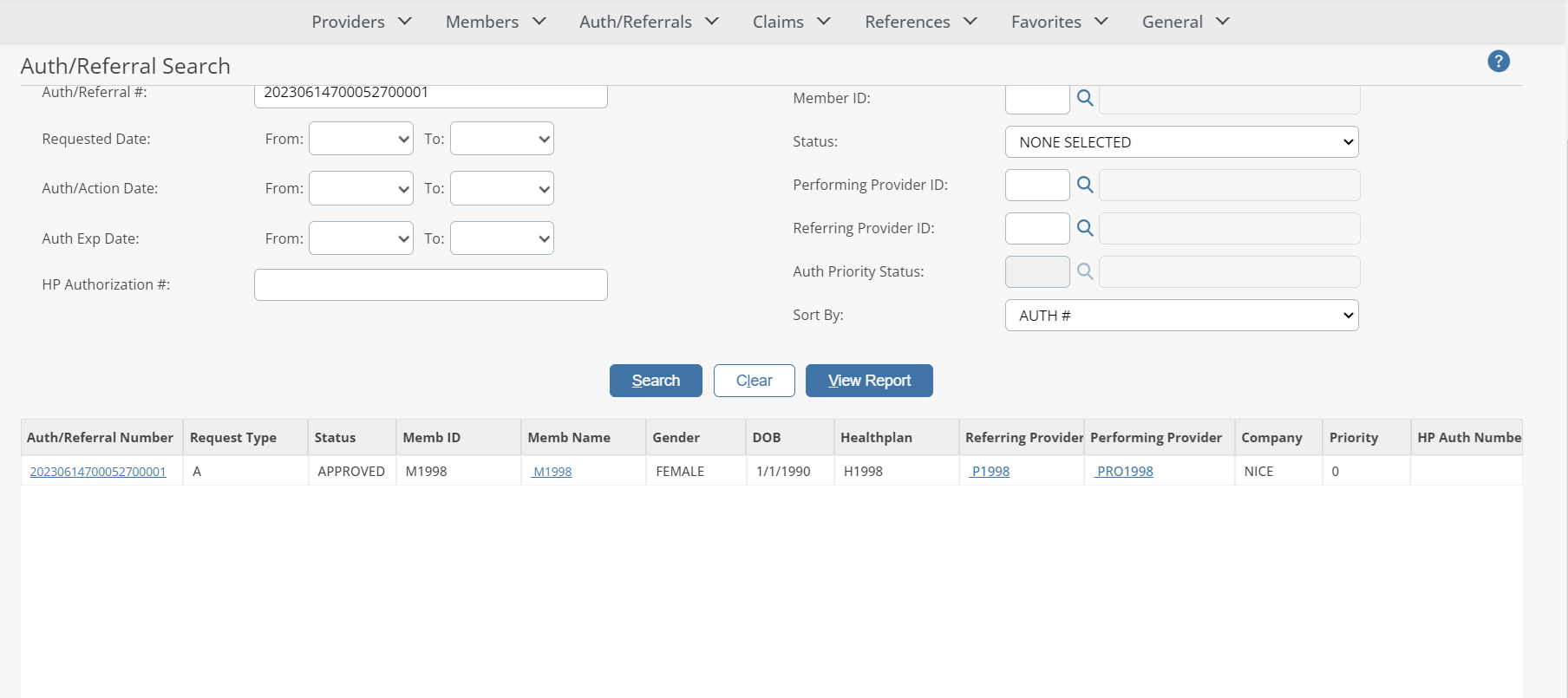
The PROVIDER ADMINISTRATION PORTAL will display the search result(s) in the window below, sorted in your specified order (“Sort By” drop-down list). If the system does not locate any records that meet your search criteria, a message stating that “ NO RECORDS FOUND ” will display. Either replace/adjust selection criteria or click Clear and re-enter criteria.
NOTE: The Search Results list can be printed by clicking on the ‘View Report’ button.
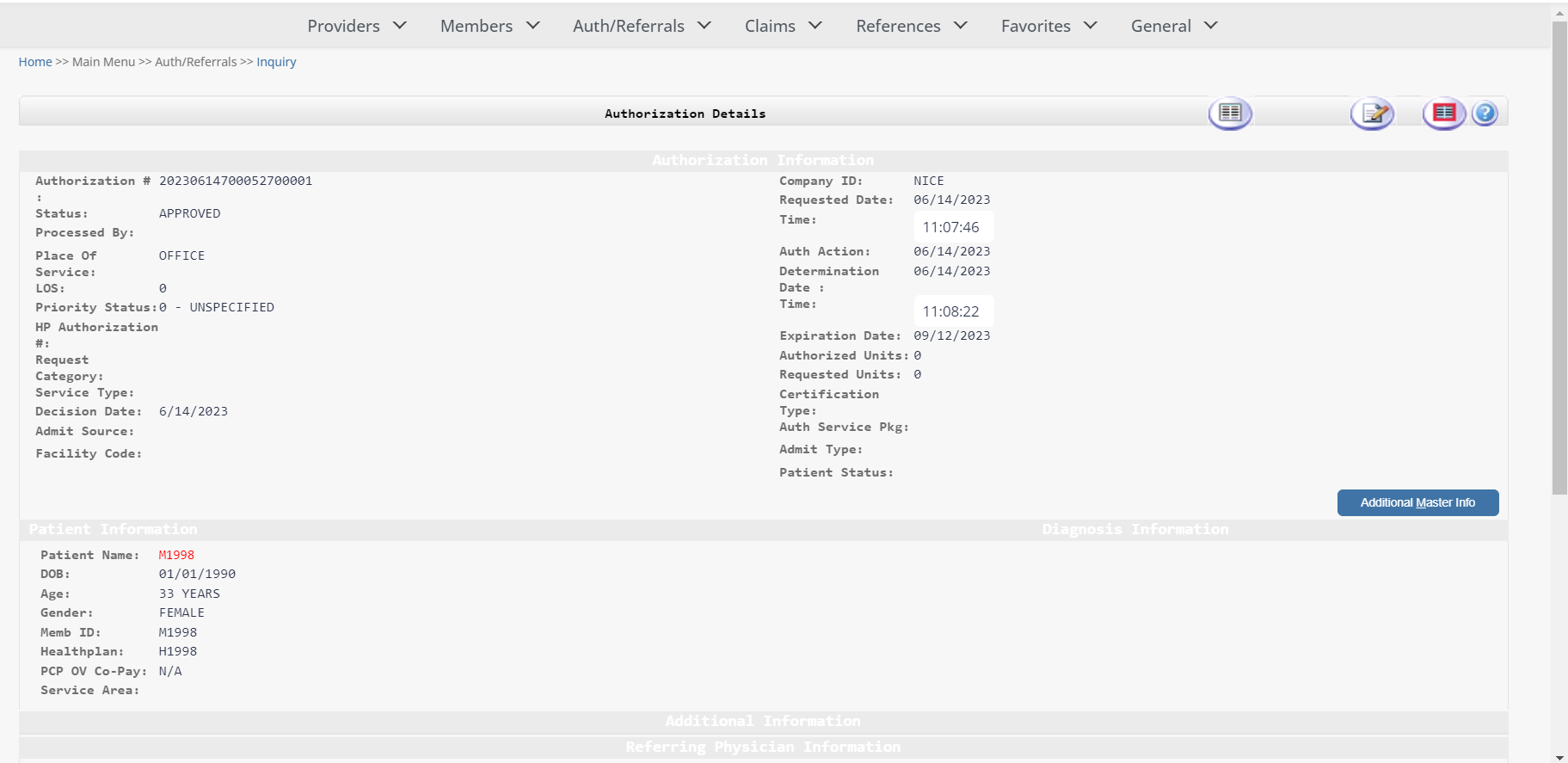
Authorization Details
From the Auth/Referral Search window, the User can access additional authorization details, member details, and Referring Provider details (in BLUE text in the screen below) by clicking on one of these listed in the Auth/Referral Search results window.
NOTE
: To print the page, click on the  button.